MyCNBox Spreadsheet
Find shoes, apparel and accessories from Taobao, Weidian and 1688. Compare listings, see what you’ll pay at each checkout, and work out how much MyCNBox points could cover.








Why use this MyCNBox Spreadsheet?
Compare before you buy
Open the seller listing and compare its size chart, variant and domestic postage before you copy the link.
See both payments up front
Budget for the item order first and the international parcel later. The Points Split calculator helps you see how much cash you may still need.
Review the item in the warehouse
MyCNBox orders from the seller and shows warehouse photos after arrival. Review the actual item before deciding whether to send it.
Guide: your first MyCNBox order
Pick a find
Copy a Taobao, Weidian or 1688 listing link and paste it into MyCNBox.
Pay for the item
Confirm the color, size and quantity. Check the item total and domestic delivery at checkout.
Review warehouse QC
Match the photos to the variant you ordered. Contact support before submitting your parcel if something looks wrong.
Submit your parcel
Choose which items to pack, compare shipping lines and pay the international shipping charge.
Fees, QC & help
Fees & shipping
The item order and the international parcel are separate charges. Add domestic postage and any selected services when you compare totals.
Warehouse QC
Start with the front of the item, then zoom in on the print, stitching and any visible marks. Compare the variant with your order before shipping.
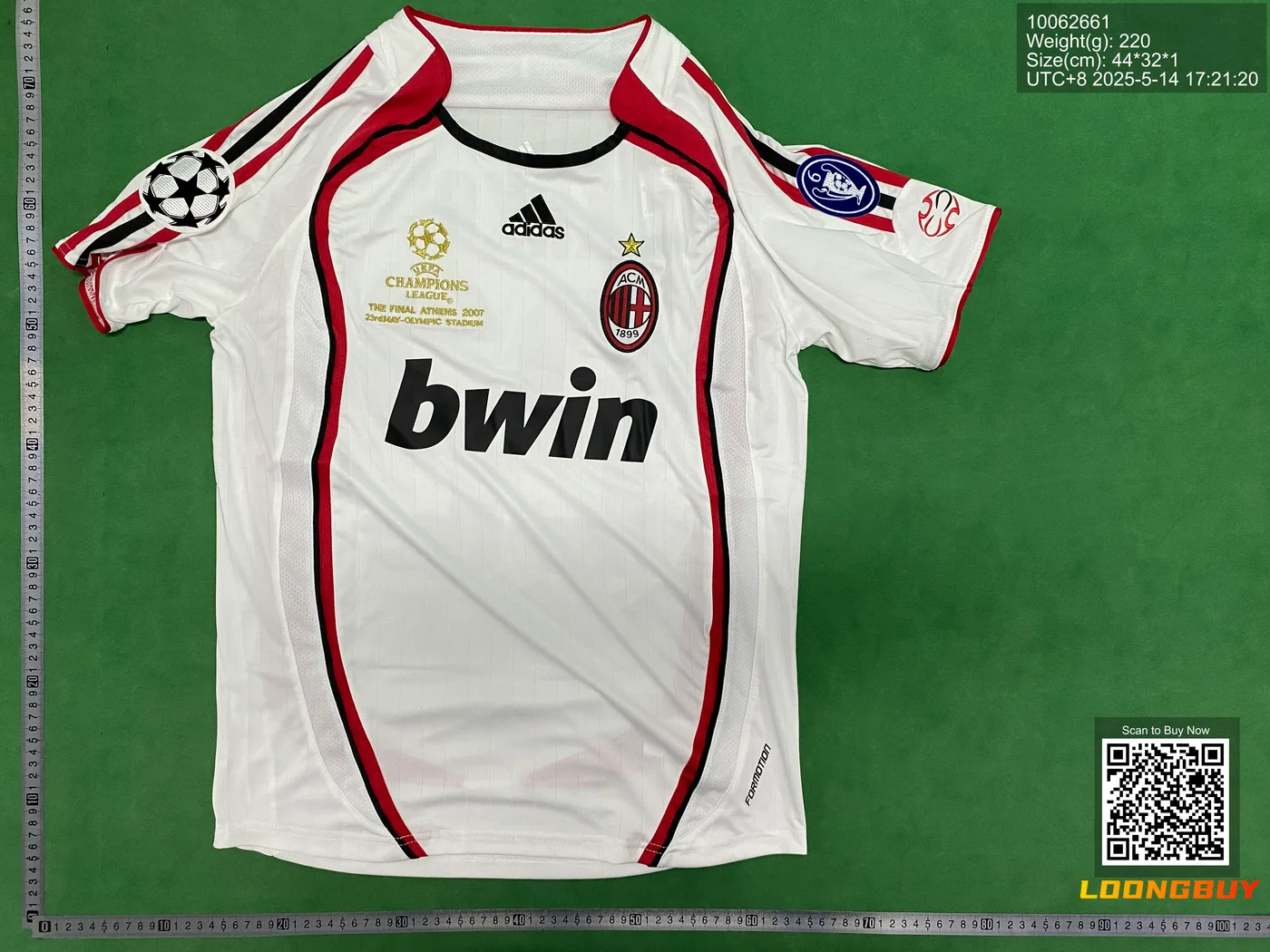

Select a reference photo to enlarge it. Use your own MyCNBox order photos to decide whether to ship.
Read the MyCNBox QC guidePlan what to pay with points
Enter your order total and usable balance to see the points and cash portions. Check the earning tables and dated offers separately when you plan a haul.
Build a casual outfit around one layer
Start with a top you can wear with trousers you already own. Use the seller’s measurements to compare the fit with a garment you have.
Browse hoodies and sweats